更新日志
Describe your optimization goal, get a working script
A chat panel turns a plain description of what you want optimized into a runnable BABEL script, ready to apply straight into the editor.
There's now a chat panel that turns a plain description of what you want optimized into a working script. Describe your objective, and it streams back a script that's ready to run — try one of the built-in examples (Himmelblau, Three-Hump Camel, Beale) to see it work end to end.
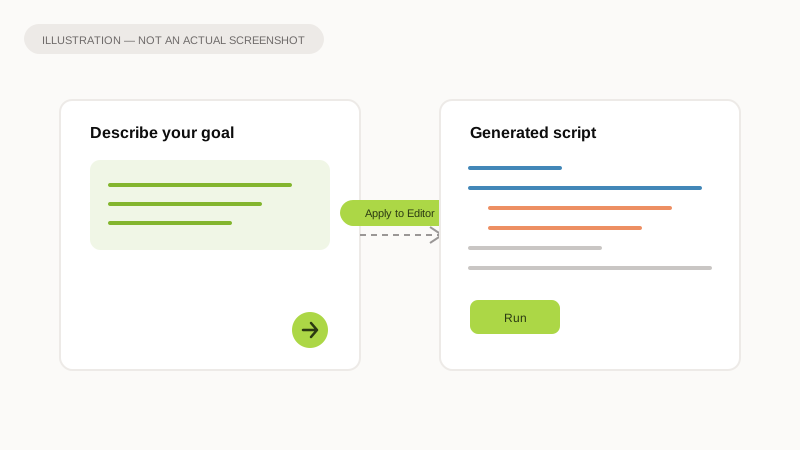
Illustration of the idea, not a screenshot of the app.
Why it matters
Writing an objective function by hand means learning the exact variable-naming rules and script format the optimizer expects. This gives you a starting point in seconds instead of a blank editor, and "Apply to Editor" drops it straight into your workspace so you can keep refining it by hand.
What to expect
- Open the chat panel and add your own Anthropic API key once, in its settings.
- Describe your optimization goal in plain language — the assistant streams back a matching script.
- Click "Apply to Editor" to load it in; the inputs and outputs in the setup panel update to match.
- Three built-in examples are there to try immediately, no setup required.
- Once a run starts, its progress renders as a 3D surface — the starting point, the best point found so far, and everything in between, each colored differently.