更新日志
Drag a line from one chart to another
Move a plotted line between charts by dragging it, instead of unplotting it and selecting it again from scratch.
You can now drag a line straight from one chart onto another. Grab its name in the legend, drop it on a different chart, and it moves there — it disappears from the first chart and appears on the second.
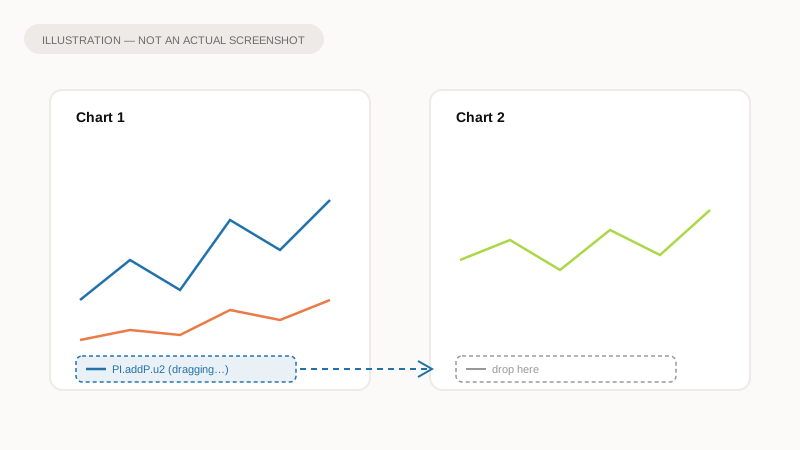
Illustration of the idea, not a screenshot of the app.
Why it matters
Moving a line used to mean unplotting it from one chart and finding it again in the full list of values to re-select it on another. Dragging does the same thing in one motion. It is a move rather than a copy: if you want the same line on both charts, selecting it again on the second chart still works exactly as it did before.
What to expect
- Drag a line's legend row from its current chart and drop it on another.
- The line keeps its visibility — anything you had hidden stays hidden after the move.
- Dropping somewhere that is not a chart does nothing, so an accidental drop is safe.