Changelog
Share a task with your team, read-only
Team members can now open a task you've shared without their own copy of it — only you can edit it.
You can now share your own task with your team directly from the app. Every member can open it and see exactly what you see — the diagram, the results, the configuration — while only you, the person who shared it, can make changes.
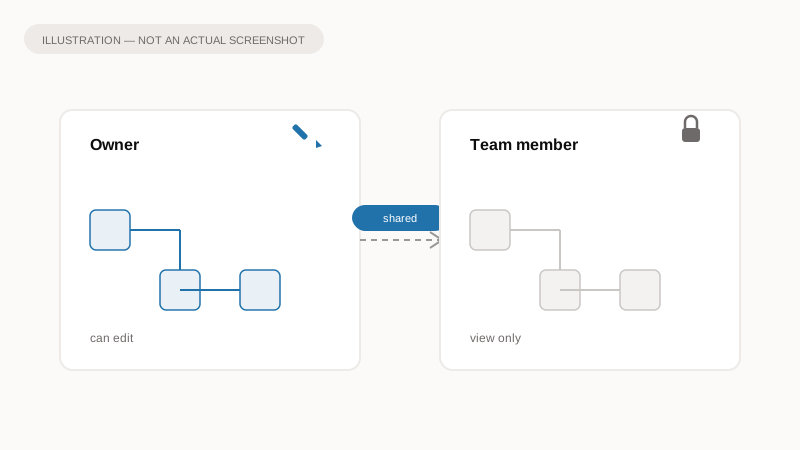
Illustration of the idea, not a screenshot of the app.
Why it matters
Sharing used to mean sending a task to one person at a time, or leaving it fully editable for anyone who opened it — which risked a colleague changing your model by accident. Now a whole team can look at the same task together, with the same confidence as looking over someone's shoulder, and nothing changes unless you change it.
What to expect
- Anyone on your team can open a task you've shared with them.
- They can look, but not edit — no dragging connections, no changing values, no editing affordances at all.
- You keep full control as the person who shared it.
A link shared outside your team works exactly as it did before; this only changes what happens when a team member opens a task you own.