Änderungen
Simulate an FMU on its own, without setting up a full optimization run
A new FMU Sim tab lets you pick a model, adjust its starting values, and run it on its own, with results plotted as a chart.
A new FMU Sim tab lets you simulate a single FMU model on its own — pick a model, adjust its starting values, choose which outputs to look at, and run it. Results come back as a chart, with the option to cancel a run in progress.
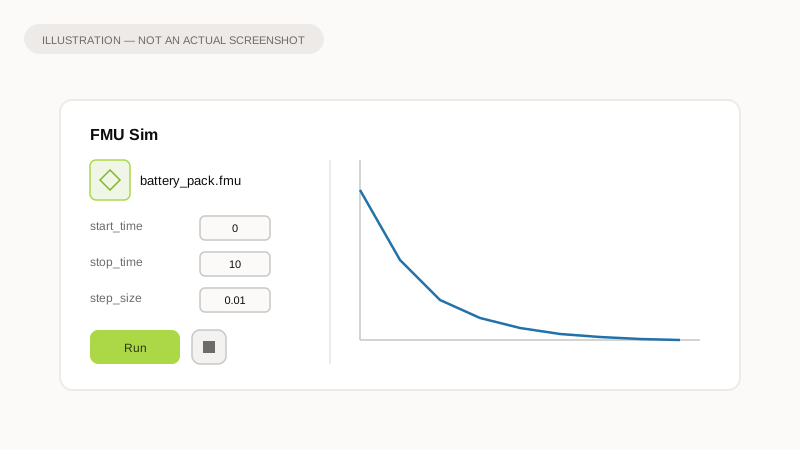
Illustration of the idea, not a screenshot of the app.
Why it matters
Before this, checking how an FMU model behaves meant wiring it into a full optimization setup first. Now you can sanity-check a model, or just explore its behavior, in its own dedicated tab — no optimization run required.
What to expect
- Pick a model from the FMU list.
- Its variables load automatically; edit starting values and choose which outputs to plot.
- Run the simulation, and the result renders as a chart.
- Cancel at any time while it's running.