変更履歴
See every version of a model, in one place
A new History page lists every saved version of a model, block, connector or record, and restores any one of them.
Every model, block, connector and record now has its own version history. Open it from the model's menu to see every saved version, with a name and a description, and restore any one of them.
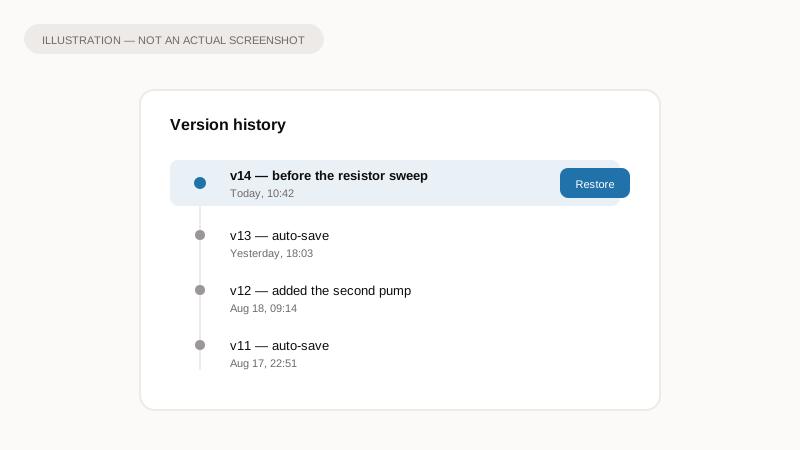
Illustration of the idea, not a screenshot of the app.
Why it matters
This also fixes something that was quietly broken: components living inside a package were not being versioned at all, even when you saved them on purpose. That is fixed now, so a component inside a package keeps its history exactly the way one anywhere else does.
What to expect
- Open Version History from the model's title menu, or from the Start panel.
- Every version lists a name and description, with one-click restore.
- Restore is available for models, blocks, connectors and records. Packages themselves do not get a history page, since there is no way to edit a package directly yet.
Automatic saves are kept alongside the ones you name yourself, so nothing you did not explicitly save is ever the only copy.