Design · Beta

The AI-native CAD tool for the browser

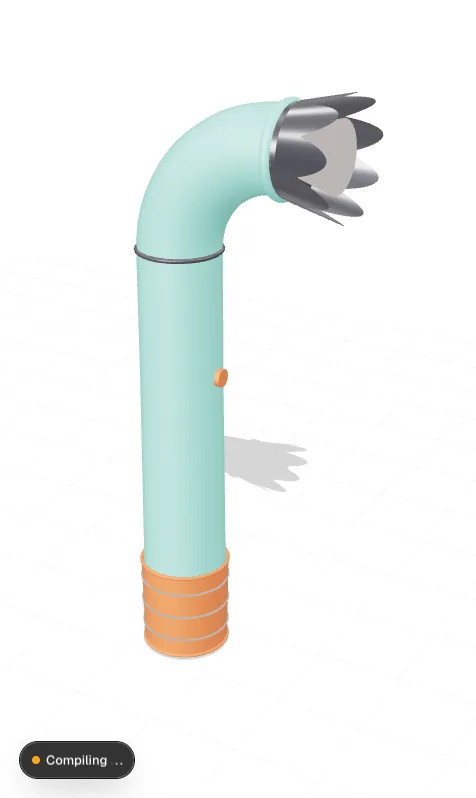
The Design app with a handheld hair dryer on screen — matte housing, crown-tooth concentrator nozzle — turning in a live viewport beside a feature tree of named parametric steps. A floating Modelica card wires the dryer's parts to their physics: each block cross-highlights the part it models with a small tag callout, and the dock's Run sets the model in motion.

What Design can do

CAD has always known the shape of a part but nothing about its behaviour. Design is a browser-native modelling environment where geometry is authored by description, backed by an exact B-rep kernel — and where every part stays wired to the physics it participates in.

AI-native CAD

Model by describing it

Sketch, extrude, fillet and assemble by direct manipulation — or by saying what you want. The assistant edits the feature tree itself rather than generating a throwaway mesh, so every operation it applies is a named, editable, parametric step you can inspect and roll back.

The Design app with the hair dryer on its canvas, its feature tree on the left and the assistant on the right. A typed instruction — fillet the collar edges at three millimetres, crown the nozzle with nine ribs — is answered, and two named steps land in the tree beside the four already there: a Fillet carrying its radius and edge count, and a Rib pattern carrying its count and spacing. Both are editable; the part itself does not move.

Geometry kernel

Built on Manifold & OCCT

A dual kernel pairs OCCT's exact B-rep operations — the same lineage as industrial CAD — with Manifold's fast, guaranteed-watertight mesh booleans. Exact solids when you need manufacturable geometry; robust meshes when you need something that will survive a downstream solver. Both compiled to WebAssembly, both running locally in the tab.

The same hair dryer, cut open on the canvas: a section plane sweeps through the housing while the Run verb fills, opening the shell onto the motor, the fan and the four heater rings inside the neck. An inspector panel beside it then names both kernels and what each returns — OCCT's exact B-rep at 118 faces, Manifold's watertight mesh — with both marked WebAssembly, running locally in the tab.

Connected

Geometry that knows its physics

Push a part straight into a Component model: geometry, mass properties, inertia tensors and named parameters flow through as a live link. Change a wall thickness in Design and the structural mode in Component moves with it — the drift between the CAD model and the simulation model, which is where most MBSE programmes lose their fidelity, simply cannot open up.

Design and Component either side of one seam, linked. A wall thickness dragged from two to one point seven millimetres moves the dryer housing's mass and inertia, the link carries both across into the Component model of the same dryer — where they arrive under their own names, housing.m and housing.J — and the analyses that depend on them go straight back to recomputing.

Interop

Fits the toolchain you already have

Design is meant to sit alongside your existing kernel — not to demand that you migrate a decade of part history into it.

A feature tree whose foot is an imported solid marked read-only, its history noted as external and its face and edge counts beside it — with four of Design's own named steps for the dryer stacking on top of it one by one, each carrying an edit control the imported body does not have.

Ready to build?